Secret Santa with kids: how children join and who buys the extra gifts
Include kids in a family Secret Santa without giving them accounts: parents add child profiles, adults agree the extra gifts, and wishlists stay private.
Written and checked by Francisco T. Barbosa on October 9, 2026.
Start with receiving, then agree on giving
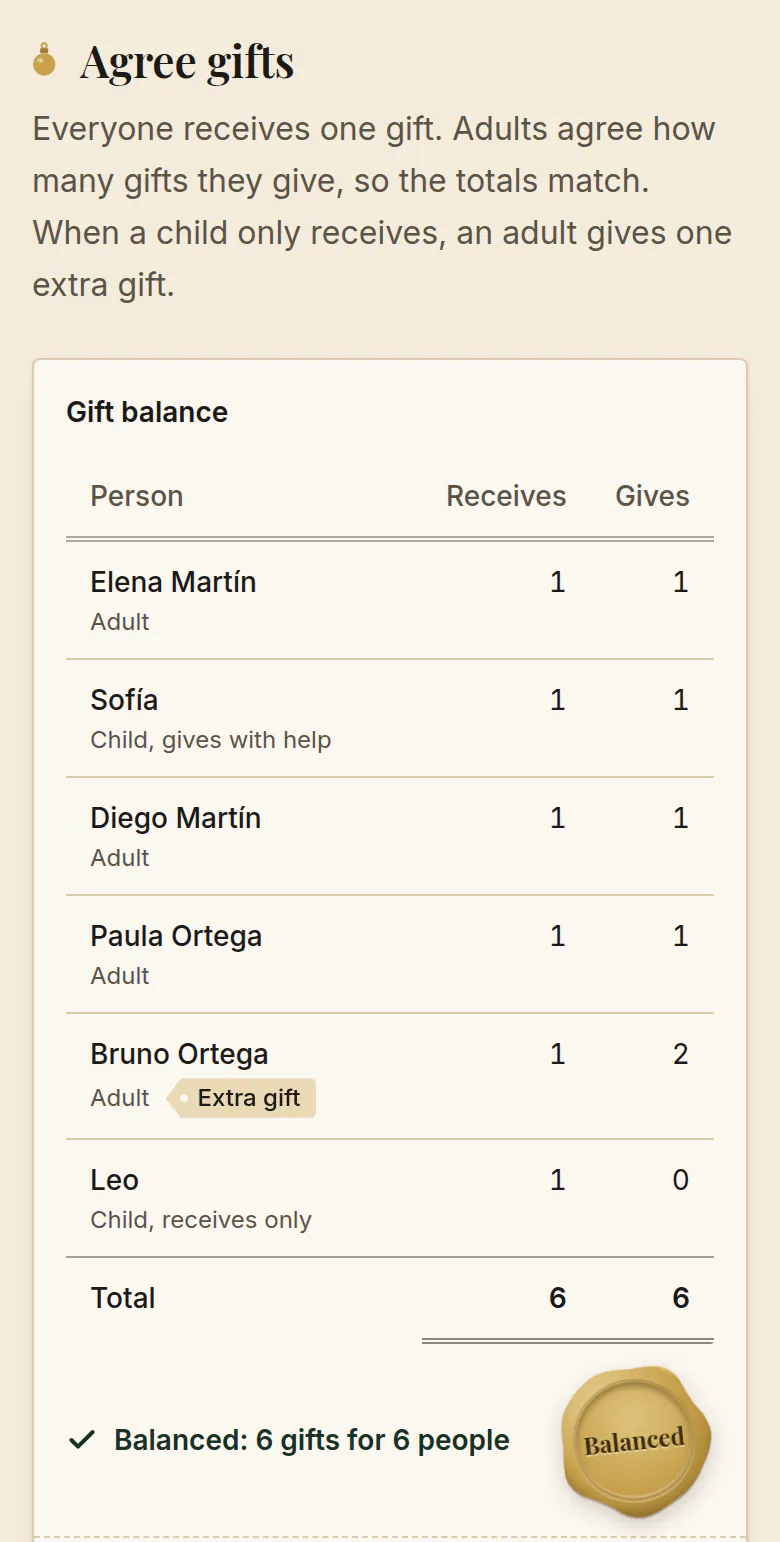
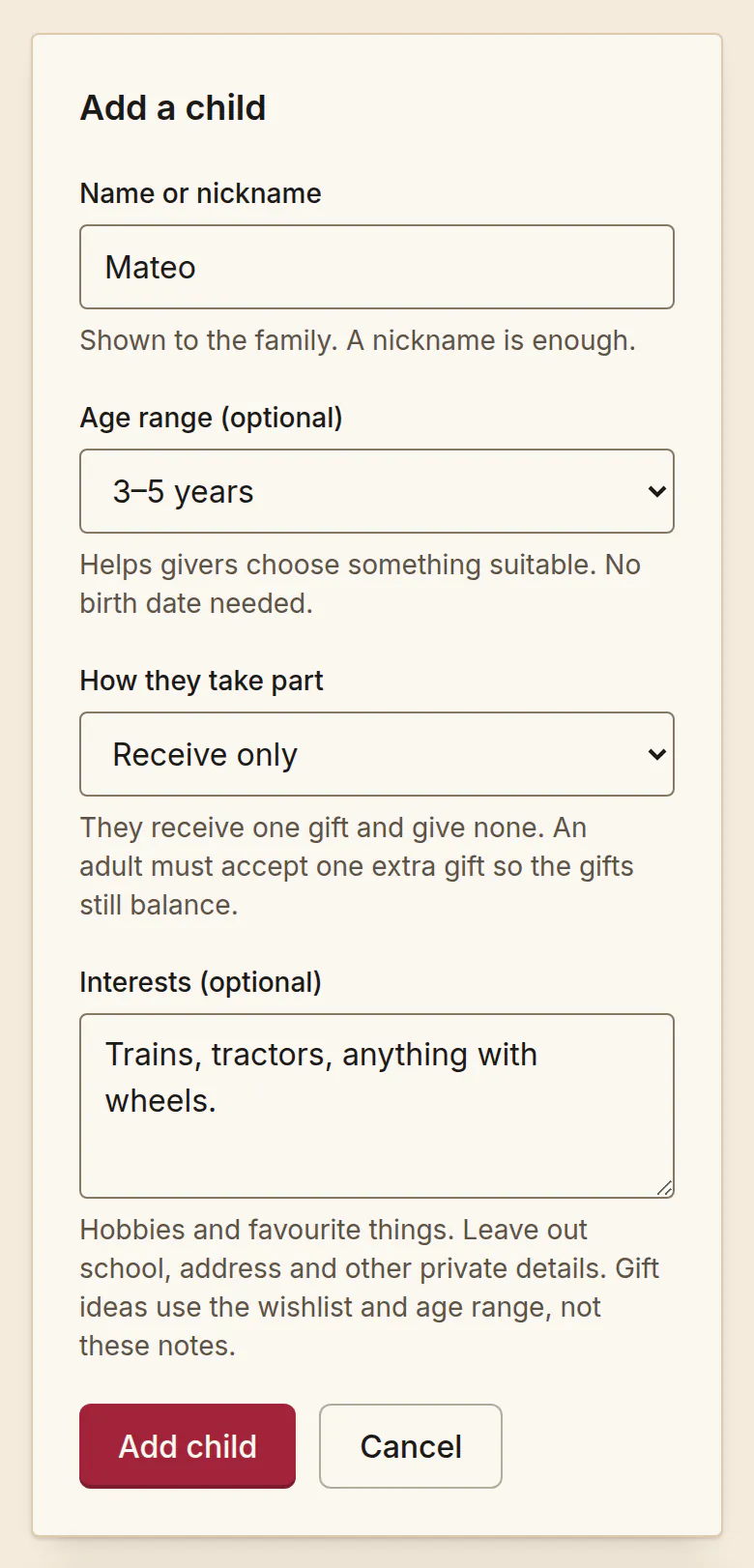
Children can join a family Secret Santa without buying a gift independently. Agree whether each child will give with adult help or simply receive. If a child receives without giving, an adult must volunteer to cover the additional gift. Do not assume their parent or grandparent has agreed to buy it.
Start with two numbers: how many people will receive, and how many gifts people have agreed to give. Those totals must match. Then check that the family’s restrictions still allow everyone to be assigned a recipient. Equal totals alone do not guarantee a possible draw.
Choose the right role for each child
An assisted-giving child still creates a real buying or making commitment for the adult. Include that gift when discussing the adult’s total responsibility, as well as any extra gifts the adult has accepted in their own name.
In SantaTogether, adults sign in with Google. Children have a profile within the exchange; they do not sign in or need their own account. One responsible adult manages each child’s participation and wishlist.
Let children suggest interests or a few wishlist ideas. A nickname and broad age range are enough. Do not add their school, address, phone number, or other private details to a wishlist.
| Child’s participation | Gifts received | Who handles giving? |
|---|---|---|
| Receive only | 1 | An adult volunteers for an extra gift; the child gives none |
| Give with adult help | 1 | The responsible adult manages the child’s one giving obligation |
Check the rules before drawing
Decide whether parents and their managed children should draw one another. Excluding the same household is a useful starting point, but it can make some small groups impossible to match. Balanced gift counts are necessary, not sufficient: every giving slot still needs an eligible recipient.
In SantaTogether, a household is an adult and the children they manage. Each adult is their own household, so two partners are never one household, even if they live together. If partners should not give to each other in either direction, add both pair exclusions.
Only draw after everyone has joined and agreed to their commitments. Nobody can join a drawn exchange until the organizer resets the draw. If someone must leave afterward, explain that a reset clears all matches, that new matches appear only after the organizer draws again, and that some people may already have started shopping.
A worked example: four adults and two children
Imagine Alex, Blair, Casey and Drew are joining, together with Alex’s child Robin and Blair’s child Kit. Both children receive only. Alex and Blair each volunteer for two gifts; Casey and Drew each give one. That makes six giving commitments for six recipients. The extra gifts belong to the adults who accepted them, not to the children.
One possible allocation is Alex giving to Blair and Kit; Blair giving to Casey and Robin; Casey giving to Drew; and Drew giving to Alex. Everyone receives exactly once and neither parent gives to their own child. This is a fictional explanation of the arithmetic, not a list to copy into your real family chat. Actual matches should remain private.
At €25 per gift, Alex and Blair each budget €50, while Casey and Drew each budget €25. A family choosing $25 instead has the same arithmetic in dollars; these are separate example budgets, not an exchange-rate conversion. Discuss postage separately so an extra gift does not become an unexpected bill.
The combined gift limit in this example is €150. These are fictional spending amounts, not a recommended budget. Agree whether postage and wrapping sit within the limit, and choose an amount everyone is comfortable with.
| Participant | Gifts to give | Gifts to receive | Gift budget |
|---|---|---|---|
| Alex | 2 | 1 | €50 |
| Blair | 2 | 1 | €50 |
| Casey | 1 | 1 | €25 |
| Drew | 1 | 1 | €25 |
| Robin (child) | 0 | 1 | €0 |
| Kit (child) | 0 | 1 | €0 |
| Total | 6 | 6 | €150 |
When balanced numbers still cannot produce a draw
Consider Alex, Blair and Alex’s receive-only child Robin. If Alex takes two giving slots and the household rule prevents Alex from giving to Robin, Alex has only Blair as an eligible recipient. Blair cannot receive twice, so the draw is impossible even though three gifts were promised.
Moving the extra commitment to Blair makes this example possible: Alex gives to Blair, and Blair gives to Alex and Robin. Other options are to invite more people or reconsider an exclusion together. Never quietly remove a rule or pressure someone to buy another present just to make the numbers work.
In this three-person arrangement, the rules leave only one possible allocation. Keeping matches private in the app cannot prevent people from deducing an obvious result. A larger group may allow more possibilities, depending on its restrictions.
Build a wishlist that helps without oversharing
Ask the child for a few interests, then let the parent turn those into useful choices. A fictional entry might say: ‘Animal stories, drawing supplies, or a dinosaur puzzle; we already have lots of toy cars.’ If linking to a specific item, give the correct version and let the buyer check its current price and availability.
Offer choices within the agreed budget rather than a demand for one expensive item. Parents should check product age guidance and suitability themselves. Keep school names, delivery addresses, contact details and sensitive information out of profiles and wishlists; arrange delivery privately between adults.
Keep each child’s information with the right people
The responsible adult edits the child’s wishlist and sees any giving assignment they manage for that child. The assigned giver can read the recipient’s wishlist after the draw. Other family members can see roster display names and commitments, but do not get general access to private preference details.
Organizer status does not provide a master list of assignments. The organizer sees their own recipients and those of children they manage, like any other adult. Arrange delivery addresses privately between adults; SantaTogether does not arrange shipping.
Set up the exchange with the adults first
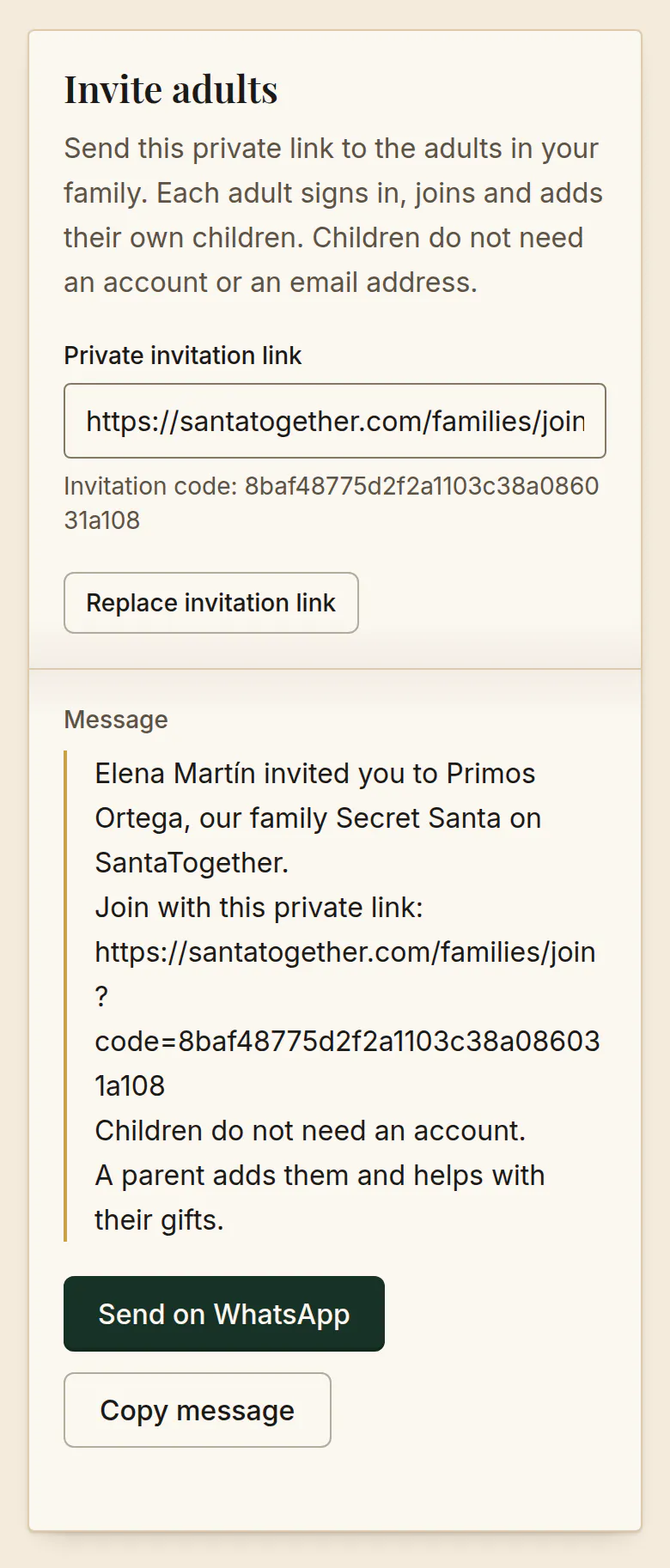
In SantaTogether, sign in with Google, create the family exchange and share its private invitation with the adults. Each parent adds the children they manage and chooses receive-only or give-and-receive participation. Choosing give and receive means the parent manages one gift on that child’s behalf; it is not a second account for the child.
Before drawing, check the roster, each adult’s accepted giving commitment and the exclusions. After the draw, each adult opens their own assignments and those of their managed children. Being the organizer should not mean browsing everyone else’s secret matches.
Sharing a link is only an invitation: check that the adults have actually joined. The copy/share action does not automatically send reminders. For relatives living apart, agree separate send-by and opening dates in your family conversation.
Frequently asked questions
- Do kids need an email address or their own account?
- No. Only adults sign in, with Google. A parent adds each child as a profile inside the family exchange and manages that child’s participation and wishlist. The child never signs in and needs no email address or phone number.
- Can an odd number take part?
- Yes. Secret Santa is a direction of giving, not pairs exchanging with each other. Five participants can form a cycle. Giving commitments and exclusions still need to permit a valid result.
- Does a receive-only child automatically create an extra gift for their parent?
- No. Adults must agree who covers the extra giving commitment. If nobody volunteers, revise the plan before drawing.
- What if a child leaves after the draw?
- In SantaTogether, a parent removing their managed child from an active draw cancels that draw. The organizer must review the remaining commitments and draw again. Speak to the family first because someone may already have bought a present. Editing an ordinary wishlist or display name does not require a new draw.
- How large can the exchange be?
- Every exchange can have up to 50 participants, adults and children together. Adults need Google sign-in; children participate through their responsible adult.
Put the plan into practice
Invite the adults, include children through a parent, and agree the gifts before drawing. Core exchanges and wishlists are free.