Include children in Secret Santa without giving them accounts
How parent-managed participation keeps sign-in, wishlists and gift commitments with adults.
Written and checked by Francisco T. Barbosa on October 9, 2026.
One adult manages the practical details
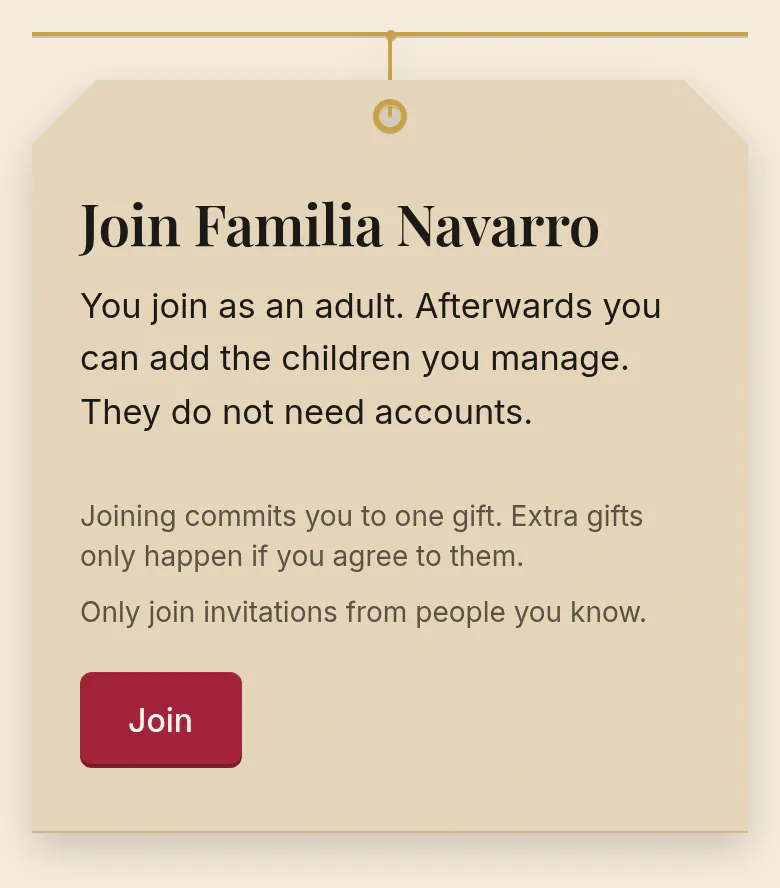
Children do not need their own SantaTogether account, email address or password. Adults do need to sign in with Google. One responsible adult adds and manages each child profile within an exchange, while the child can help choose interests and gift ideas. To begin, create the family exchange; each parent who joins then adds the children they manage.
No child account does not mean no child information is stored. The profile contains the display name, how the child takes part, and any optional age range or preferences the adult adds. Use a nickname if preferred and add only information needed for choosing a gift. A profile is not a public social page.
Use a nickname if you prefer. An optional age range can help a giver choose suitable categories, but it is not a safety assessment. Parents should always check retailer age guidance, materials, small parts, and the child’s individual needs.
Give the right person the right information
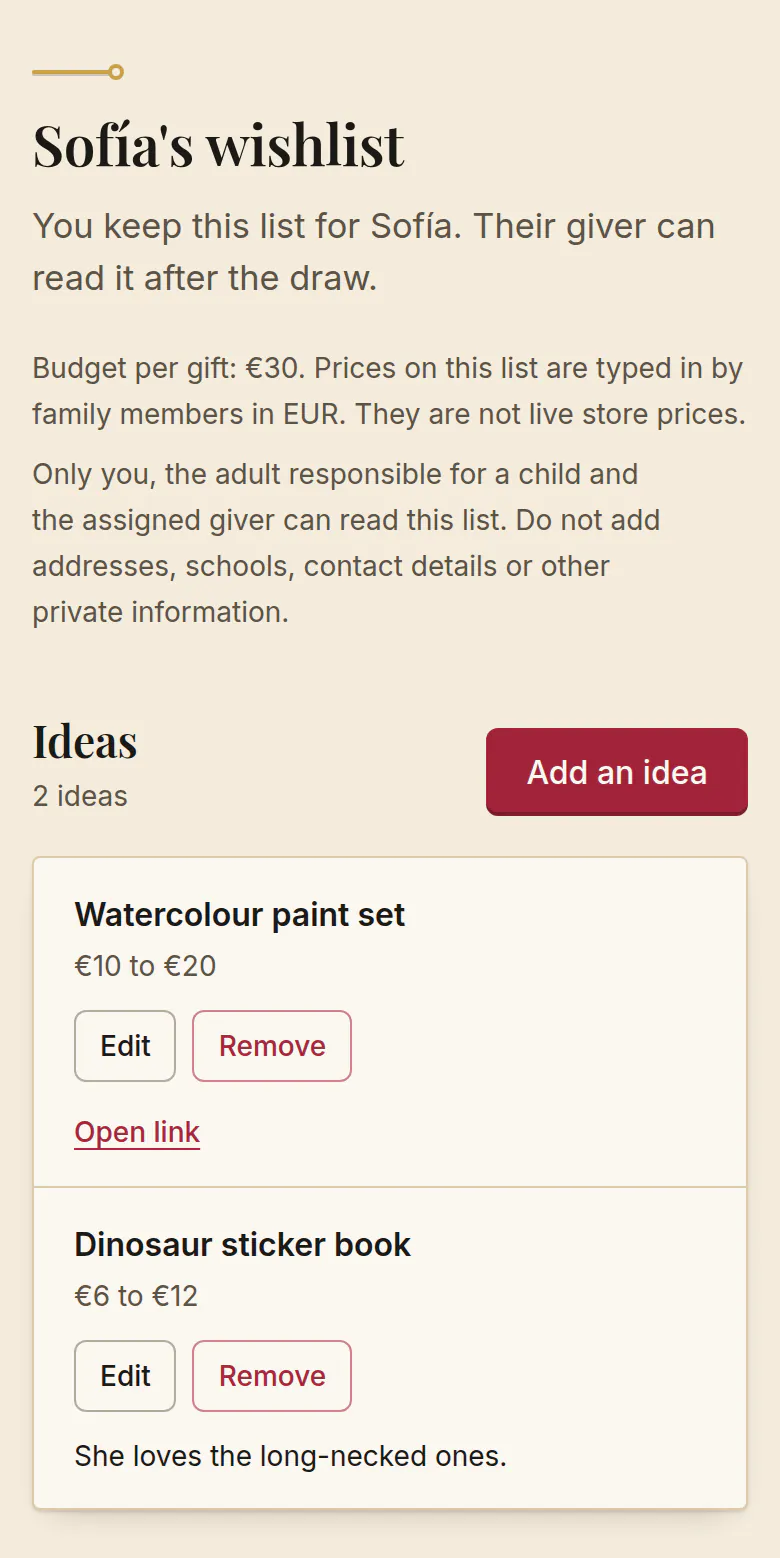
A wishlist should help the assigned giver, not become a public profile. Share useful gift details such as favorite activities, book themes, sizes, or things the child already owns. Leave out medical information, school names, addresses, and contact details.
In this family-first exchange, the responsible parent manages the child’s wishlist. The assigned giver can read it after the draw. Other adults may see the child’s display name in the family roster, but they do not need access to all the preference details.
| Person | Access in the exchange |
|---|---|
| Responsible adult | Manage their child’s profile and wishlist; see any giving assignment for that child |
| Assigned giver after the draw | Read their recipient’s wishlist to choose a gift |
| Other adult members | See roster display names and commitments, without general access to private preferences |
| Organizer | See their own and their managed children’s assignments; no master list of everyone’s matches |
Let participation fit the child
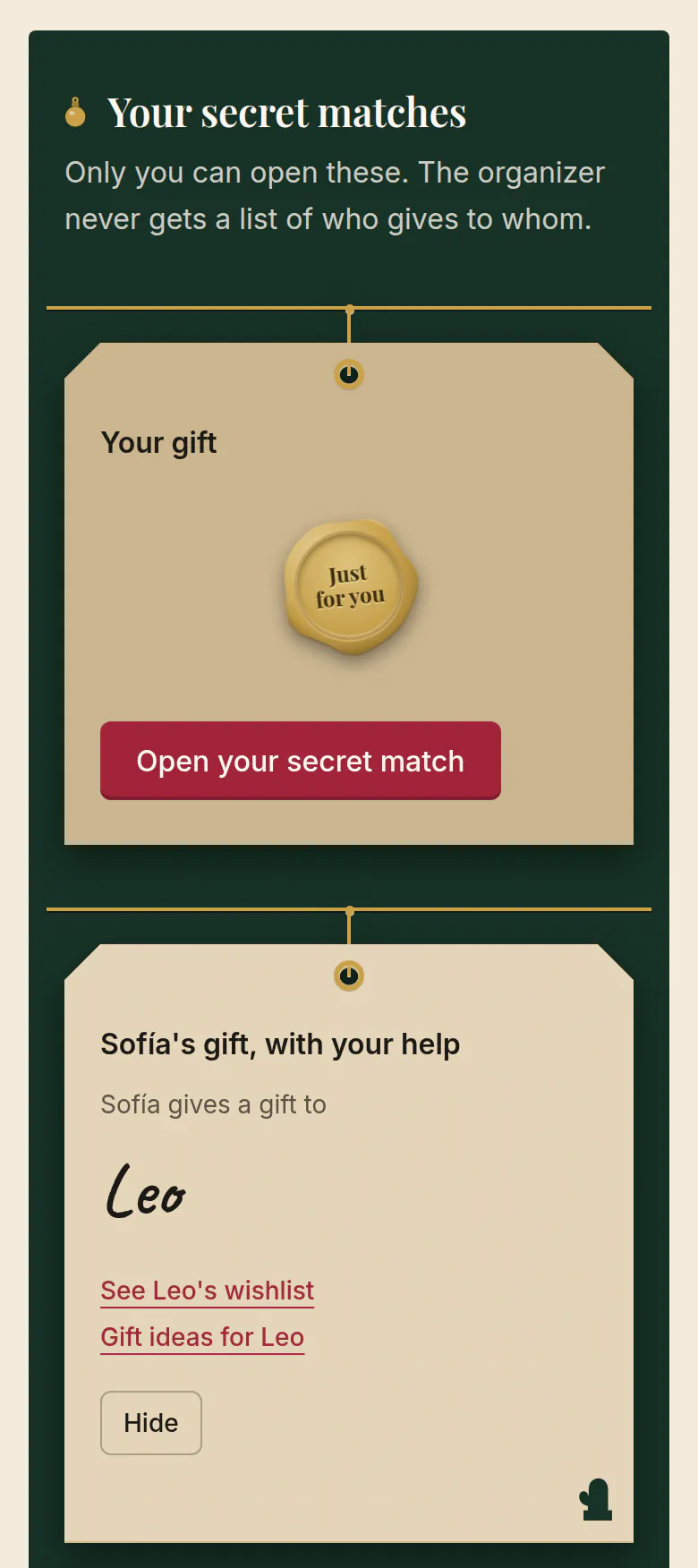
Receive-only means the child gets one gift and has no giving obligation. Assisted giving means the parent agrees to manage one gift with the child. Helping wrap, drawing a card, or choosing between a few suitable ideas can be enough involvement.
Optional AI suggestions are an adult tool. They should never be needed to join, receive a gift, or use a wishlist. Check what information would be sent before requesting suggestions, and keep private details out of preference text.
Check before removing a child from an active draw
The responsible adult can remove a child they manage. If a draw is active, removing a participant cancels its matches; it does not quietly reassign one gift. Speak to the family before confirming, pause shopping and let the organizer review commitments before drawing again.
An ordinary wishlist or display-name edit does not require that redraw. If you only need to clarify a preference, update the relevant information instead of removing the child.
Frequently asked questions
- Does a child need an email address or an account?
- No. Only adults sign in, with Google. One responsible adult adds the child as a profile inside the exchange and manages it. The child never signs in.
- Who can see a child’s wishlist?
- The responsible adult and, after the draw, whoever is assigned to give the child a gift, or the adult helping a child who gives it. Other adults in the exchange see the child’s display name in the roster, not the wishlist.
- What should I leave out of a child’s profile?
- Medical information, the school name, the home address and contact details. A nickname, an optional age range and a few interests are enough to choose a gift.
Put the plan into practice
Invite the adults, include children through a parent, and agree the gifts before drawing. Core exchanges and wishlists are free.